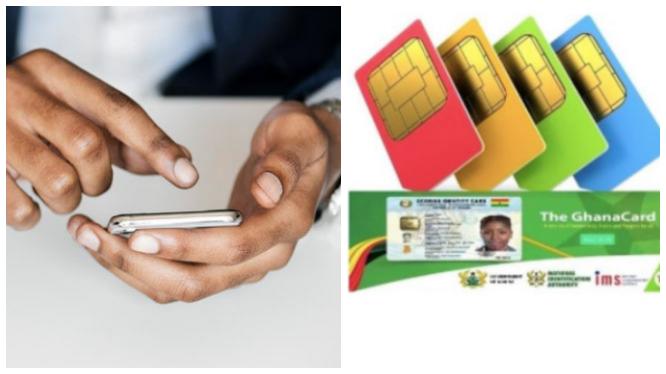
In recent years, lots of Ghanaian citizens have sought for the right way through which they can register their SIM cards without having to move to any third party for assistance.
The situation is not different from that of the way for the linkage of Ghana cards to one SIM card.
At the moment, the only identification card accepted for linkage of SIM is the Ghana card, a newly introduced identification in Ghana also known as the ECOWAS card.
As it stands now, there numerous who have successfully gotten hold of their Ghana cards but have no idea how the linkage of SIM to Ghana cards is done.
In today’s article, I will be taking you through a systematic procedure for the linkage process.
Step 1 – Dial *404# and press send. This shortcode is accessible on all networks in Ghana.
Step 2 – Enter the Personal Identification Number (PIN) found On Your Ghana card without hyphens.
For example: If your Ghana card PIN is GW-3452-246-A, do away with all hyphens and type it as GW3452246A
Step 3 – You will be required to enter your name in the order used for registering the Ghana card. Kindly do well to enter the correct details and format of your name to avoid having your details being rejected. With the format of your name, the surname will be requested first, followed by your first name.
Step 4 – Enter your date of birth the day preceding, following by your birth month, then the year you were born in.
Step 5 – Indicate whether you are a male or female
Step 6 – Confirm details
Step 7 After confirmation of details, submit the details provided for confirmation and verification.
After this process, you will be required to move to the main office of your network service provider for the biometric registration process which happens to be the final stage of the linkage process.
 Vibesonline.news.blog